
Private location sharing, on your terms
Orbily's location sharing shows your live position only to the orbits you choose — your family, your housemates or friends on a trip — and to nobody else. It starts only when you choose it, it is set separately for each orbit, and it can end on a timer. When you stop, your current position is removed straight away.
Join the beta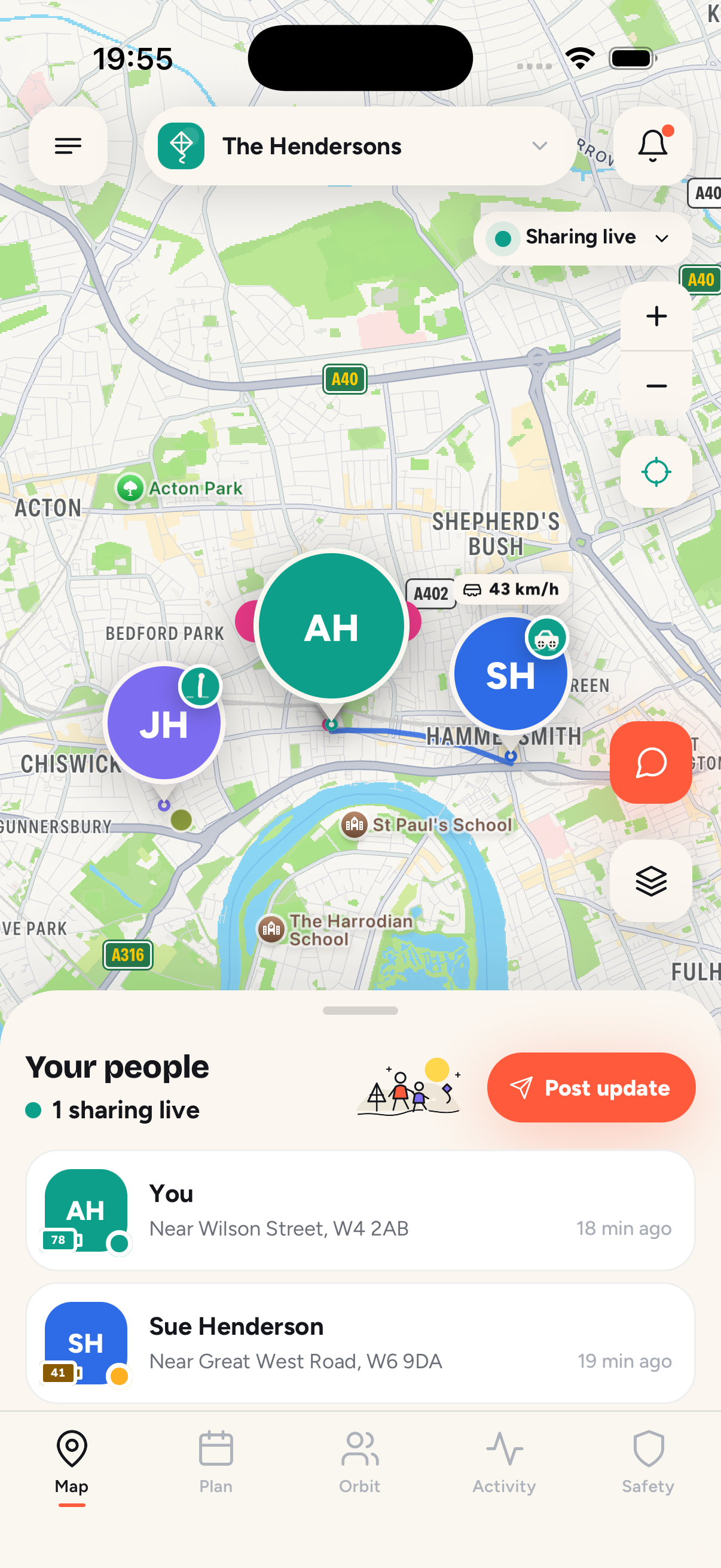
How does location sharing work in Orbily?
Every orbit gets its own choice. When you join or create an orbit, Orbily asks how you want to take part: share your live location, share it on a timer, or send updates only, with no location at all. Your choice for one orbit never changes another.
People who share appear as a pin on the orbit's map, with their phone's battery level, so nobody worries about a phone that has simply run flat.
Can I share my location for a limited time?
Yes. Share for 15 or 30 minutes, for 1, 2 or 4 hours, until a time you pick, until midnight or all day. When the time is up, sharing stops by itself and the orbit is told. A timer never runs past the end of a temporary orbit.
What happens when I stop sharing?
Stopping is immediate. Your current position is removed in the same step that stops the share, and the orbit sees that you have stopped. There is no grace period, and there are no hidden modes.
What does an orbit see, and what stays private?
An orbit sees only what you share with that orbit: your live position while you share, your status updates and your battery level. Your other orbits and your saved places are never shown to it. Your location is never sold and never used for advertising.
Does location sharing drain my battery?
Very little. Location runs on motion rather than on a fixed timer: when your phone is still, the GPS rests and costs almost nothing, and it wakes again when you start moving.
More questions about location sharing
No. You only appear to orbits you have joined, and only in the mode you chose for that orbit. Every member can see who can see them, and there are no hidden modes.
No. Status updates like “landed” or “home safe” are a full way to take part. You still see the calendar, get reminders, check in and can send an SOS.
Sharing stops by itself and everyone is told the orbit has ended. Your live location is deleted the moment sharing stops, so nobody stays tracked after the trip.