
How to share your location with your family
In Orbily, you share your location with an orbit — a private group of the people you choose — never with everyone. This guide sets up a family orbit and gets everyone on one map, with each person choosing how they share.
Join the beta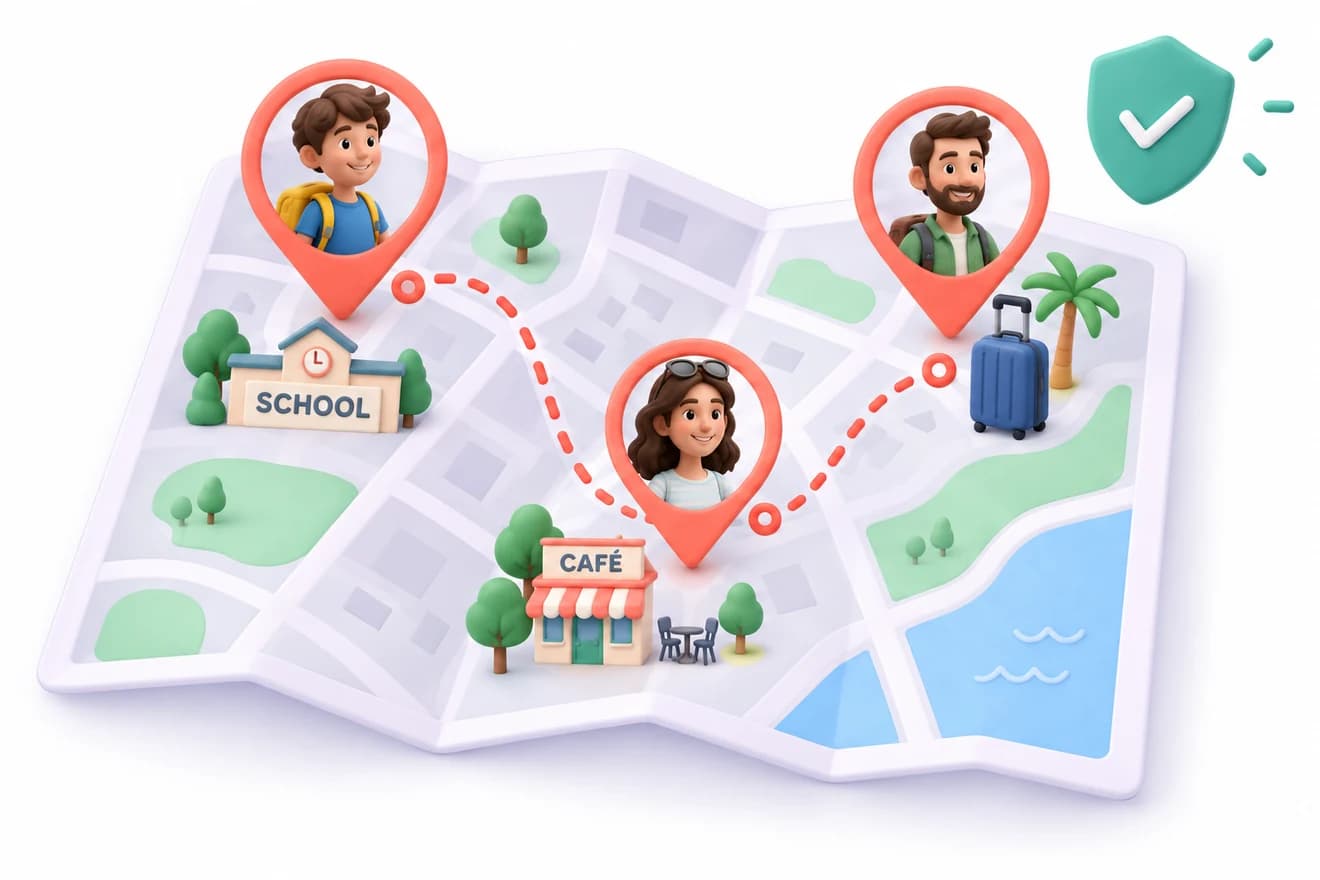
Step by step
Get Orbily and sign up
Orbily is for iPhone and Android. Signing up creates My Orbit for you, a permanent orbit you can use for your family.
Invite your family
Open the orbit's invite screen and send the link by Messages, WhatsApp or email, show the QR code, or copy the code. Each invitation carries the orbit's code, so it works on any phone.
Each person chooses how to share
As they join, everyone picks Live, A timer or Updates only. Nobody can choose for someone else, and anyone can change their choice later.
See everyone on the map
People who share appear on the orbit's map with their phone's battery beside them. Tap a pin to see more about that person, or to ask them to check in.
Set home and work
Set your home and work places, or let Orbily suggest them, and your family can be told when you get home. Your address is never shown.
Can my family see my location all the time?
Only if you choose Live for that orbit. You can share on a timer instead, post updates only, or stop at any moment — and you can always see who can see you.
Questions people ask next
No. Orbily works on iPhone and Android, and everyone in an orbit sees the same map.
Yes. Location sharing is free on every plan.